How it works.
BuildEx is an app on your machine that gives an AI agent a company to run: a folder of plain files it reads and writes, real tools it can act through, a gate you hold, and git remembering every move. No magic, no cloud brain. Here's the whole machine, part by part.
One job, end to end.
A real job, from the email landing to the commit that remembers it. Every part of the product shows up exactly once here. The rest of this page is just those parts, in detail.
Something arrives
Dana at Globex emails about SSO. Today the agent reaches your mail through a tool you have installed and reads the thread when you ask about it. Bringing things in is read-only and involves no AI at all. on the roadmap filing that material into your repo automatically, so it is there before you ask.
You ask for something
“Reply to Dana about SSO.” One line, in plain language. The agent runs when you ask it to, or when an automation you wrote fires on a schedule. It is not sitting there inventing work in the background.
It reads what your company knows
The agent opens the files that matter: your operating rules, the Globex client file, the decision log where you wrote which SSO commitments you're willing to make. There's no search index and no upload - the knowledge is the files, sitting on the same disk as the agent.
It follows your way of doing it
Answering a client is a job your company has a way of doing, so that way is written down as a skill: a short markdown file the agent follows like a checklist. Same job, same shape, every time - whoever asks.
It does the work
It drafts the reply in your voice, updates the Globex file with what was agreed, and notes the interim decision. All of it as edits to real files you can open, read and change yourself.
The outward step stops
Sending mail leaves your company and reaches a real person, so it doesn't just happen. The gate turns that into a question you have to answer - “Send email to dana@globex.com” - approve, edit, or deny. Nothing has left your machine yet. Today the agent runtime asks; the card in the console is not built yet.
You tap approve
Only now does the send actually happen, through your own connection to that product. Every outward action landing in a company activity log, so “what did the AI actually do out there?” has a boring, checkable answer, is not built yet - git already records every file it changed.
It's remembered
Every file that changed lands as one commit with a readable message. Next month you can see what changed, when, and why - and undo it. Nothing was overwritten silently, because nothing here ever is.
Three panes, and you already know two of them.
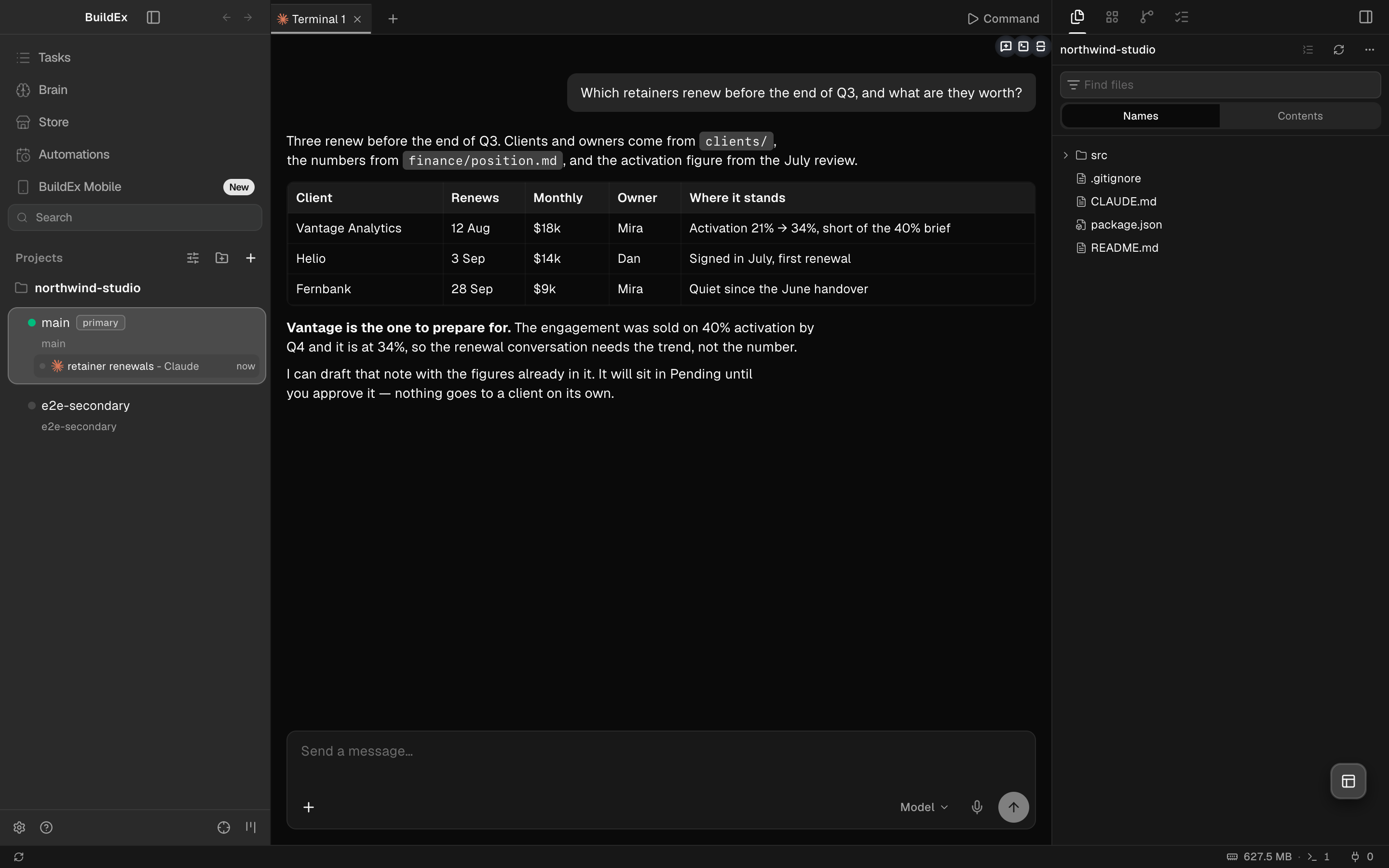
Where you go, and what's open
Your Brain, the Store, automations and tasks — and under them every project, its branches, and each session you have running. A session is a conversation about one job, kept for good.
The work itself
Chat with your agent, or open any document in your company and edit it directly. Answers come back as tables, drafts and files - not as walls of text. The same pane is a terminal when you want one.
The workspace
The files the agent is working in, what has changed, and what's queued — so you can watch the work land instead of taking its word for it.
It's a folder. That's the whole trick.
Your company's brain is a directory of markdown files on your own disk. Strategy, clients, decisions, numbers, the raw material your connections drag in - all of it plain text, one idea per file, organized in folders named after what your company actually does.
It lives in .buildex/, and it comes in ten sections - the
questions every company has to answer somewhere. You pick which ones you want when you set it
up, and you can change that later. Where the folder itself lives is your call too: inside the
repo it belongs to, or in a repo of its own that every project points at.
How it gets fed
Two ways today, both ending in a file: you write or drop something in, or the
agent captures something as it works - a decision it just watched you make, a number it
just verified. Neither has to know where it belongs: both can land in
inbox/ and be filed properly later. Pulling material in from your
email and your tools automatically is on the roadmap, not in your hands yet.
How the AI actually reads it
It opens the files. That's it. There is no vector database, no embedding step, no ingestion pipeline, and nothing is uploaded to us to be indexed. The agent runs on your machine, in that folder, with a file browser and your rules - which is exactly why it can be trusted with the whole thing at once. The app even has a viewer that shows you, verbatim, what your agent is handed.
acme-labs/          your repo
  .buildex/          the company brain
    strategy/        what this is for, and the bet
    decisions/
      log.md         every non-obvious call, dated
    rules/
      operating.md   how work is done here
    clients/
      globex.md      one file per client
    product/  people/  finance/
    content/  reviews/
    skills/          the jobs your company wrote down

  .claude/           what the agent is handed
    CLAUDE.md        read every turn, imports the map below
    company-context.md  generated, never edited by hand
    settings.json    the gate, enforced by the runtime
Programming your company, without programming.
Two kinds of instruction, both plain markdown, both versioned like everything else. The difference is only when the agent reads them.
Rules - always on
- Written once into .claude/CLAUDE.md, where your agent already looks.
- Read on every single turn, before anything else happens.
- The standing contract: how you speak, what you never do, what always gets written down.
- It imports a generated map of your company, refreshed whenever that map could have changed.
Skills - on demand
- One folder per repeatable job, with a name and a “use this when…” line.
- The agent picks the right one by that description, then follows the steps.
- Reply to a client, run the weekly review, capture a decision, draft content.
- Write one in five minutes. If you can write a checklist, you can write a skill.
A real skill, in full
This is capture-decision, the shape a skill takes. Nothing is hidden behind it - no code, no config, no prompt engineering. It's a page of instructions, and the agent follows it.
Because it's a file, it's reviewable, editable, copyable between companies, and its history is in git like everything else. When you change how your company answers clients, you change a paragraph.
A new brain starts empty on purpose - we do not seed it with our idea of how your company works. Skills arrive two ways: you write one, or you install an app whose skills come with it.
.buildex/skills/capture-decision/SKILL.md

---
name: capture-decision
description: Use when a non-obvious call
  is made about the company - a strategy
  choice, a policy, a trade-off, a
  reversal - and it should be remembered
  so it is never silently decided twice.
---

# capture-decision

## Steps
1. Open `decisions/log.md`.
2. Add a dated entry at the top:
   Decision, Context, Alternatives,
   Consequence.
3. If it changes a prior decision, say
   so - never edit the old one away.

## Rules
- One decision per entry; absolute dates.
- Plain markdown; nothing secret.
- Superseding is honest: the new entry
  wins, the old one stays as history.
You bring the AI. We never touch it.
BuildEx doesn't sell you intelligence. It runs the coding agent you already pay for - today that's Claude Code, and the driver seam is open for others - as a program on your machine, pointed at your company's folder.
What that buys you
- The agent talks to your model provider with your subscription, directly.
- Your files never make a detour through us to get to it.
- You see the model, the effort setting, and the usage, in the window.
- When your agent gets better, your company gets better - no upgrade to buy from us.
Bright lines we hold
- We never read your agent's credential store.
- We never proxy or resell you model tokens.
- We never set a provider API key on your behalf.
- We never render a provider sign-in and collect what you type into it.
How the outside world gets in - and how it gets out.
A brain that only knows what you typed into it is a notebook. Connections are what make it an operating system: your real inbox, your real CRM, your real invoices.
Products you already use
HubSpot, Notion, Linear, Stripe, Asana, Calendly, Slack and the rest arrive as apps from the Store: skills that know how to use the product well, and the tools to actually do it. You authenticate to each one the way that product expects, and its credentials stay where that tool keeps them - BuildEx never asks you to paste a key into a file, and never stores one.
on the roadmap a one-click sign-in per product that also files incoming material into your repo as it arrives. Today the tools are there; the filing is something you or a skill does.
Anything else with an API
MCP is the open standard for handing an AI a set of tools. Point BuildEx at any MCP server - one you found, one your vendor ships, one you wrote this afternoon - and its tools show up in the same list, under the same gate, with no special-casing.
Every tool passes one gate
However a tool arrives, it goes through a single gateway that decides what it's allowed to do on its own. The classification comes from what the tool is for, plus what its provider says about it - and you can tighten or loosen any of it.
| The tool wants to… | Examples | What happens |
|---|---|---|
| Look something up | get_, list_, search_, read_ | Runs on its own. Reading is never gated. |
| Create or update inside your tools | add a CRM note, update a task, file a doc | Runs on its own. It's your data, and it's reversible. |
| Reach a real person or move money | send, post, publish, charge, refund, invoice | Waits for your tap. Always logged. |
| Destroy something | delete, revoke, cancel, archive | Waits for your tap. Always logged. |
| Anything you've marked sensitive | your call, per tool | Waits for your tap - or is hidden from the agent entirely. |
Your shelf is yours. Your company's know-how is the company's.
An app in BuildEx isn't code that runs in a sandbox somewhere. It's a bundle of files - the skills that know how to use a product well, and whatever commands and hooks come with them. The Store reads the same marketplaces your agent already knows about, so what's on the shelf is what your agent can actually reach.
Installing is per-person, not per-repo. It goes through your agent's own plugin system, on the machine you're sitting at. Cloning the company doesn't force your shelf onto everyone else, and nobody's install list is a merge conflict.
What does travel is the know-how your company writes itself. A good skill for running a discovery call is a file in the brain, versioned beside the decisions and the client notes - so it moves with the company, gets forked and improved, and can be pulled into another one.
$ install “HubSpot”

→ your agent's plugin system, this machine
   not a commit in the company repo

$ a skill your company wrote

+ .buildex/skills/discovery-call/SKILL.md
   linked into .claude/skills/ for the agent
   committed  ·  reversible  ·  readable
Wide open by default. The sharp edges wait for you.
The fear about an AI running a company isn't that it drafts a bad paragraph. It's that it sends one. So the line isn't drawn around thinking - it's drawn around leaving.
Reading, drafting, filing, building, updating your own tools: all of that runs without asking. Money, messages to real people, publishing, and anything you can't undo: those stop and wait, right where you're already working. No separate approvals inbox to babysit.
It's a dial, not a wall: widen a gate you trust, tighten one you don't. Your company can override the shipped preset, and a broken override falls back to the preset rather than to no gates at all.
How it stops a call today: the preset is written into your agent's own settings, so the agent runtime puts the question to you itself, wherever you are working. That is what makes an ask rule real rather than advisory.
Bringing that question into the console as a card like the one here, and logging every outward action to an activity ledger, is not built yet - it needs BuildEx to own a hook identity of its own, which would otherwise take hook traffic from the Orca you already run.
Git, doing the boring job it's best at.
Every change your agent makes is committed: which files, when, at whose request, with a readable message. Not a log about the work - the work itself, versioned.
That single fact is what makes the rest safe. Nothing is overwritten silently, because every previous version is still there. Undo is real - not a feature we implemented, just what git does. “When did we decide that?” has an answer with a date on it. And an AI that edits your company is auditable line by line, by you or by anyone you hand the folder to.
The Learning stage in the right rail is that history, made readable: recent commits, the files each touched, and one click to open any of them.
Work is committed on your machine first. Sending it anywhere else is a separate, deliberate step.
recent changes

a3f9c21  reply to Dana re: SSO
        clients/globex.md · decisions/log.md
        you · 4 minutes ago

7e10b8d  Q3 metrics verified
        finance/metrics-q3.md
        agent · 2 hours ago

decisions/log.md
+ 2026-07-22 Interim SSO: shared service
+   account for ~60 days.
+   Supersedes the 2026-05 “no shared
+   accounts” note, with an end date.
One brain, several machines.
Today shipped
Your company is one repository. It lives on your machine, and you can point it at a remote you already own - your own GitHub, your own server - and it will keep itself backed up there. Your work is committed locally first and pushed when you say so; if you're offline, the commits queue and go when you're back.
What we are not building by decision
A hosted sync service. Your company is a git repo, so sync is git push - to a remote on your own account. A second sync path would duplicate what you already have and add a state machine that can disagree with git. Every teammate holds a full copy and changes travel as commits, which is history you can read rather than a mysterious overwrite. That is the feature, not a placeholder for one.
The rule that makes it safe
If two people changed the same thing, the loser's version is backed up byte for byte before anything else happens, and flagged for a human. Losing an operator's work isn't a bug here, it's a failing test.
And there is no cloud of ours in the middle: the remote is a git host you already own - your GitHub, your GitLab, your server. We run nothing, so no model of ours runs over your company and no one reads it to make the product better.
your machine          teammate's machine
  acme-labs/               acme-labs/
  full copy                full copy
       │                        │
       └────────►  your git remote  ◄────────┘
                    commits in, commits out
                    your account, not ours

  every commit readable on both
Now go poke at it.
Every claim on this page is either visible in the app or readable in the repo. Download it and check, or read the code first - both are free.